
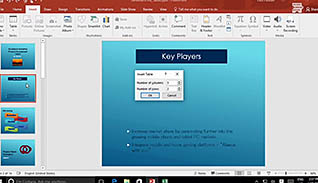
Microsoft PowerPoint 2016 Level 1.6: Adding Tables to Your Presentation
When you need to display data in a PowerPoint presentation you should do it in a way so...
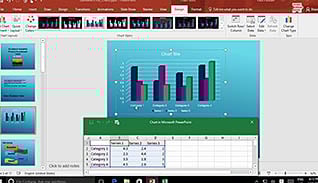
Microsoft PowerPoint 2016 Level 1.7: Adding Charts to Your Presentation
Presenting your data with an eye-catching chart will take your PowerPoint presentation to the next level. Having an...

Microsoft PowerPoint 2016 Level 1.8: Preparing to Deliver Your Presentation
Most people have created a PowerPoint presentation and presented it to an audience. However, many may not be...

Microsoft PowerPoint 2016 Level 2.1: Modifying the PowerPoint Environment
PowerPoint 2016 provides numerous options for modifying the environment in which you create your presentation. From customizing the...

Microsoft PowerPoint 2016 Level 2.2: Customizing Design Templates
This training demonstrates how to customize slide designs in a way to save time in PowerPoint 2016. Become...
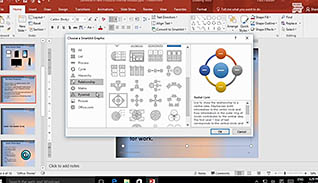
Microsoft PowerPoint 2016 Level 2.3: Adding SmartArt and Math Equations to a Presentation
Most people, such as students and professionals in the workforce, are aware of Microsoft PowerPoint and its variety...
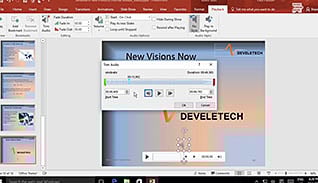
Microsoft PowerPoint 2016 Level 2.4: Working with Media and Animations
PowerPoint 2016 is an incredibly useful tool for presenting information in an interactive way. It is easy to...
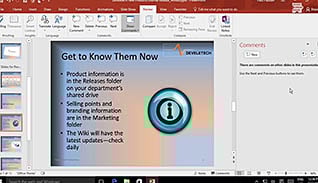
Microsoft PowerPoint 2016 Level 2.5: Collaborating on a Presentation
Teamwork and collaboration are critical in the workplace and PowerPoint 2016 offers several features to make it easier...

Microsoft PowerPoint 2016 Level 2.6: Customizing a Slide Show
Learn how to take your PowerPoint presentations to the next level by including functionality to make it more...
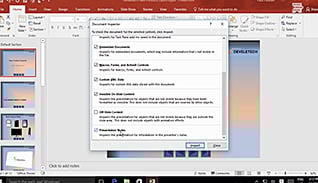
Microsoft PowerPoint 2016 Level 2.7: Securing and Distributing a Presentation
PowerPoint 2016 includes features to make it easy to distribute presentations, however there are some things to consider...
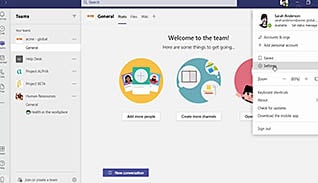
Microsoft Teams 2021: Getting Started
Some people are projecting that Microsoft Teams will be the new operating system for organizations. This video training...
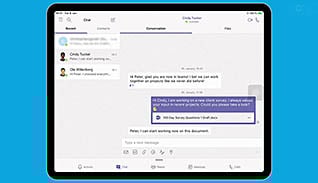
Microsoft Teams: Simplify Collaboration Within Companies
One of the greatest challenges to internal and external teams is the lack of one central place for...