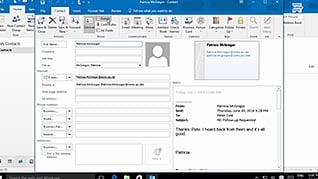
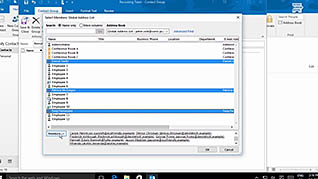
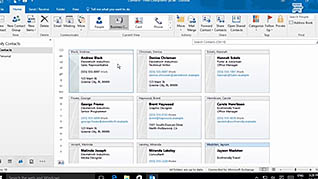
Make interacting with your contacts as easy as possible by utilizing all the functionality of the Contacts feature in Outlook 2016. This course explains several ways to create and edit contacts, including clicking and dragging an email to the People icon. You’ll learn how easy it is to edit contacts and organize contacts in secondary address books, as well as create and edit a contact group to send an email to several people at once. Different contact views and how to modify the views and their purposes are discussed. Several ways to search your contacts are presented, including using recent searches and search people. Finally, the course teaches you how to print your contacts as individual contacts, a booklet of contacts, as a phone directory, or in memo style. Business people have many contacts to keep track of, and doing so in Outlook will improve organization and efficiency.
Purchase Course: Great for individuals or small teams and is completed on a per-seat basis at checkout.
Bulk Discounts: Great for large teams and routes you to our sales team to set up access for your organization.
Please Note: Completing an online course may not fulfill all compliance requirements. Many OSHA and HR regulations also require written programs, hands-on training, or site-specific components. Always verify requirements with your employer or regulatory authority.
Chapters
- 1. Introduction
- 2. Create and Edit Contacts
- 3. Create a Contact Group
- 4. Create and View Contacts
- 5. Search Contacts
- 6. Print Contacts