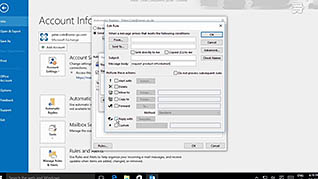
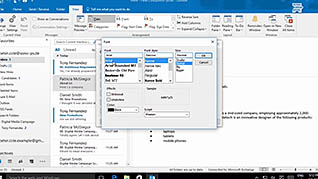
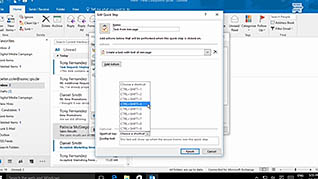
Outlook 2016 includes features for automating message management to help you get more done in less time. The narrator walks users through a series of examples in a step by step format, helping the trainee learn the process being explained and apply it. The time saving features in Outlook are great for any person who has a lot of incoming and outgoing messages. This course demonstrates how to set up automatic replies, organize messages with conditional formatting, and use Quick Steps to simplify common tasks into one-step commands. After this training, employees will be prepared to organize messages and communicate more easily using the messaging features within Outlook 2016.
Purchase Course: Great for individuals or small teams and is completed on a per-seat basis at checkout.
Bulk Discounts: Great for large teams and routes you to our sales team to set up access for your organization.
Please Note: Completing an online course may not fulfill all compliance requirements. Many OSHA and HR regulations also require written programs, hands-on training, or site-specific components. Always verify requirements with your employer or regulatory authority.
Chapters
- 1. Introduction
- 2. Use Automatic Reply
- 3. Organize Your Messages
- 4. Create and Use Quick Steps