
Microsoft PowerPoint 2016 Level 2.2: Customizing Design Templates
This training demonstrates how to customize slide designs in a way to save time in PowerPoint 2016. Become...
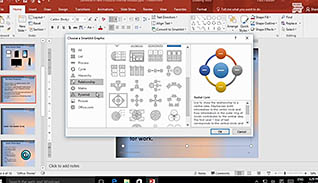
Microsoft PowerPoint 2016 Level 2.3: Adding SmartArt and Math Equations to a Presentation
Most people, such as students and professionals in the workforce, are aware of Microsoft PowerPoint and its variety...
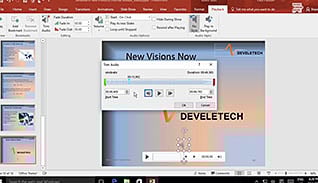
Microsoft PowerPoint 2016 Level 2.4: Working with Media and Animations
PowerPoint 2016 is an incredibly useful tool for presenting information in an interactive way. It is easy to...
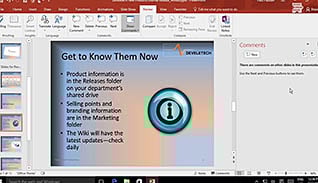
Microsoft PowerPoint 2016 Level 2.5: Collaborating on a Presentation
Teamwork and collaboration are critical in the workplace and PowerPoint 2016 offers several features to make it easier...
Microsoft PowerPoint 2016 Level 2.6: Customizing a Slide Show
Learn how to take your PowerPoint presentations to the next level by including functionality to make it more...
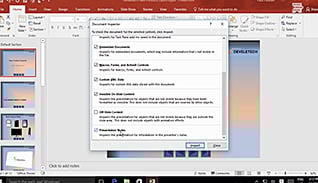
Microsoft PowerPoint 2016 Level 2.7: Securing and Distributing a Presentation
PowerPoint 2016 includes features to make it easy to distribute presentations, however there are some things to consider...
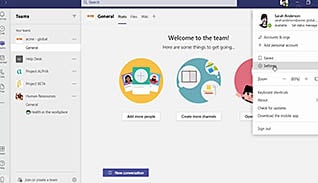
Microsoft Teams 2021: Getting Started
Some people are projecting that Microsoft Teams will be the new operating system for organizations. This video training...
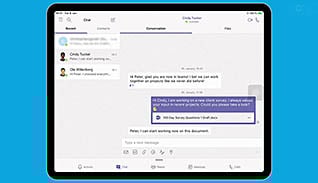
Microsoft Teams: Simplify Collaboration Within Companies
One of the greatest challenges to internal and external teams is the lack of one central place for...
Microsoft Word 2013: Adding Tables
When you are thinking about presenting complex data in a clear and concise manner within a Word document,...
Microsoft Word 2013: Controlling Page Appearance
This training focuses on creating personalized documents with Microsoft Word 2013. There are many settings within Word where...

Microsoft Word 2013: Customizing the Word Environment
Customizing your Microsoft Word environment can help you streamline and speed up the way you create documents in...
Microsoft Word 2013: Editing a Document
Microsoft Word 2013 offers many tools for creating and modifying documents. This training course gives detailed instructions on...