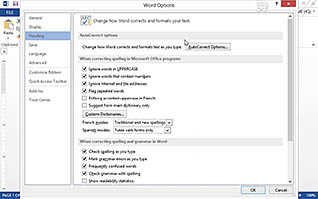
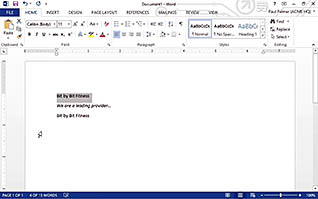
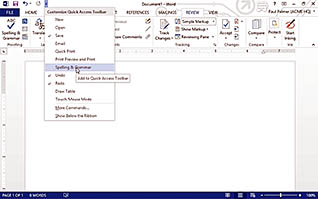
Customizing your Microsoft Word environment can help you streamline and speed up the way you create documents in Word. This training helps employees navigate through Microsoft Word, familiarizing themselves with its features and how to make each option work best. From working within the Microsoft Word interface to locating quick access tabs on the toolbars, this course provides employees with step by step instructions on how to simplify one’s workload.
Purchase Course: Great for individuals or small teams and is completed on a per-seat basis at checkout.
Bulk Discounts: Great for large teams and routes you to our sales team to set up access for your organization.
Please Note: Completing an online course may not fulfill all compliance requirements. Many OSHA and HR regulations also require written programs, hands-on training, or site-specific components. Always verify requirements with your employer or regulatory authority.
Chapters
- 1. Customize the Word Options
- 2. Customize the Word Interface
- 3. Use additional Save Options