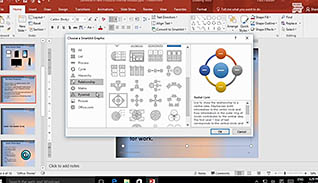
Most people, such as students and professionals in the workforce, are aware of Microsoft PowerPoint and its variety of applications and uses. However, many may not be acutely aware of the subtler nuances for applying the finishing touches to a presentation in preparation for delivering a solid, convincing, and professional presentation to an audience, no matter the size. This course discusses drastically cutting the amount of time often required in implementing visual representations of textual content through SmartArt. It explains how to add and modify SmartArt, and adding math equations to a presentation. Use this course to help employees create more visually-appealing, and professional looking, PowerPoint presentations.
Purchase Course: Great for individuals or small teams and is completed on a per-seat basis at checkout.
Bulk Discounts: Great for large teams and routes you to our sales team to set up access for your organization.
Please Note: Completing an online course may not fulfill all compliance requirements. Many OSHA and HR regulations also require written programs, hands-on training, or site-specific components. Always verify requirements with your employer or regulatory authority.
Chapters
- 1. Create SmartArt
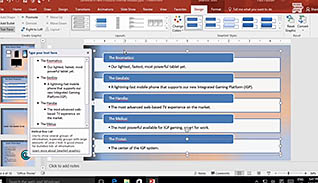
- 2. Modify SmartArt
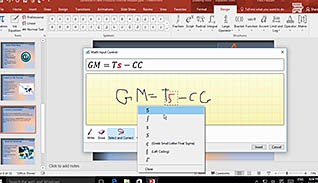
- 3. Add Math Equations