
Microsoft Office 365: SharePoint Sites
The SharePoint Sites feature of Office 365 allows you to easily create sites to share documents and information....

Microsoft Office 365: Skype For Business
Skype for Business allows companies and organizations to quickly communicate with co-workers no matter where they are located....
Microsoft Office 365: Sway
Sway is a browser-based presentation program that can be accessed through Microsoft Office 365. This training course gives...
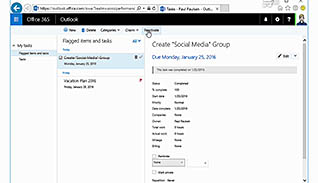
Microsoft Office 365: Tasks
Within Microsoft Office 365, you can manage your individual tasks or to-do list. This training course shows how...

Microsoft Office 365: Video
Did you know that Microsoft Office 365 offers a video platform for companies? Now companies can distribute videos...
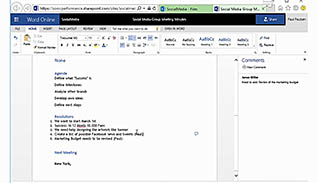
Microsoft Office 365: Word Online
This is a quick, yet extremely, useful course which explores some of the features available to Office 365...
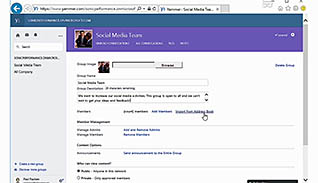
Microsoft Office 365: Yammer
Microsoft Office 365’s Yammer is a company-wide social networking tool that allows employees to effectively communicate with many...

Microsoft Outlook 2013: Getting Started with Outlook 2013
This training course educates viewers about the basics of Microsoft Outlook 2013. This training teaches viewers how to...

Microsoft Outlook 2016 Level 1.1: Getting Started with Outlook
This video training course is for all employees to learn how to get started with Microsoft Outlook 2016....
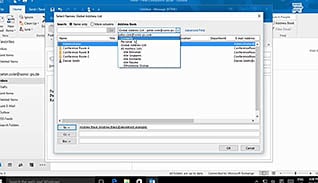
Microsoft Outlook 2016 Level 1.2: Formatting Messages
With Outlook 2016 it is easier than ever to craft professional-looking email messages. This video training course is...
Microsoft Outlook 2016 Level 1.3: Working with Attachments and Illustrations
When you are sending emails in Outlook 2016 it is easier than ever to add attachments, although there...
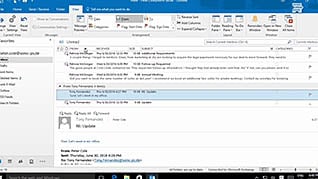
Microsoft Outlook 2016 Level 1.4: Customizing Message Options
You probably get more mail than you can manage, so you need a method to tell what is...