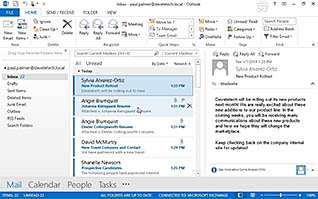
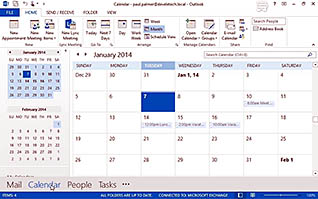
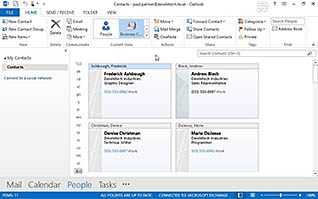
This training course educates viewers about the basics of Microsoft Outlook 2013. This training teaches viewers how to work with the elements of the application window and workspace in Outlook 2013. Examples are shown of how to create, read, reply, print, and delete email messages. Outlook is a powerful tool for managing email. Use this video to introduce employees to Outlook 2013 so they can use the application effectively and efficiently.
Purchase Course: Great for individuals or small teams and is completed on a per-seat basis at checkout.
Bulk Discounts: Great for large teams and routes you to our sales team to set up access for your organization.
Please Note: Completing an online course may not fulfill all compliance requirements. Many OSHA and HR regulations also require written programs, hands-on training, or site-specific components. Always verify requirements with your employer or regulatory authority.
Chapters
- 1. Identify the Elements of the Application Window
- 2. Identify the Workspaces
- 3. Create and Send an Email
- 4. Read and Respond to Emails
- 5. Print an Email Message
- 6. Delete Email Messages
- 7. Use Outlook Help