
Microsoft Outlook 2013: Getting Started with Outlook 2013
This training course educates viewers about the basics of Microsoft Outlook 2013. This training teaches viewers how to...
Microsoft Outlook 2016 Level 1.1: Getting Started with Outlook
This video training course is for all employees to learn how to get started with Microsoft Outlook 2016....
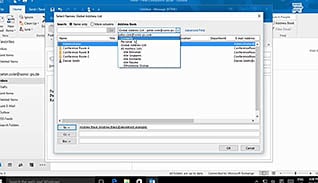
Microsoft Outlook 2016 Level 1.2: Formatting Messages
With Outlook 2016 it is easier than ever to craft professional-looking email messages. This video training course is...
Microsoft Outlook 2016 Level 1.3: Working with Attachments and Illustrations
When you are sending emails in Outlook 2016 it is easier than ever to add attachments, although there...
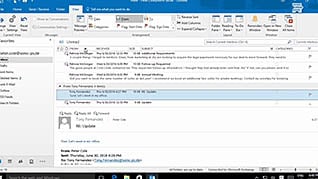
Microsoft Outlook 2016 Level 1.4: Customizing Message Options
You probably get more mail than you can manage, so you need a method to tell what is...
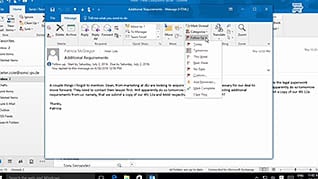
Microsoft Outlook 2016 Level 1.5: Organizing Messages
This course, albeit rather short, packs a mighty punch for Outlook 2016 users. For those whose organization uses...
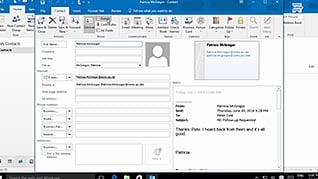
Microsoft Outlook 2016 Level 1.6: Working with Contacts
Make interacting with your contacts as easy as possible by utilizing all the functionality of the Contacts feature...
Microsoft Outlook 2016 Level 1.7: Working with the Calendar
Many of us have appointments to keep track of for work, and we need to be able to...
Microsoft Outlook 2016 Level 1.8: Working with Tasks and Notes
Unleash the power of Outlook by letting it help you get organized beyond the email function. Outlook 2016...
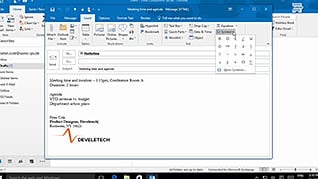
Microsoft Outlook 2016 Level 2.1: Modifying Messages and Setting Global Options
It can be challenging to read and retain information within long blocks of text on a screen, but...
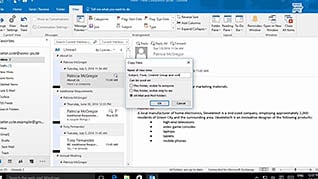
Microsoft Outlook 2016 Level 2.2: Organizing Searching and Managing Messages
Generally, there are two types of people who use Microsoft Outlook; the first saves their messages in a...
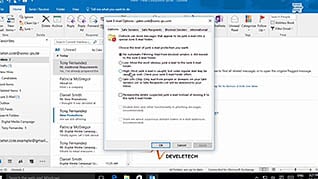
Microsoft Outlook 2016 Level 2.3: Managing Your Mailbox
Reports state 50%-90% of emails received are considered spam, or junk. These emails can contain malicious links or...