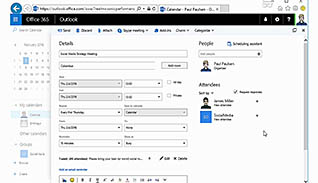
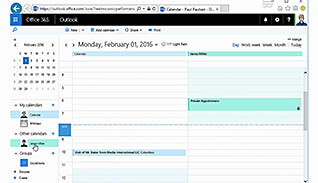
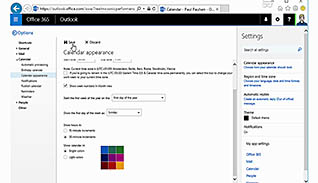
This video training course is for all employees to learn about Microsoft Office 365’s calendar feature. This video demonstrates for viewers how to add and view upcoming events. Examples are shown of how to use the most popular features of the calendar. Use this video to teach employees how to use Microsoft Office 365’s calendar. Educated employees can plan, view, and edit the calendar to better manage their future meetings and events.
Purchase Course: Great for individuals or small teams and is completed on a per-seat basis at checkout.
Bulk Discounts: Great for large teams and routes you to our sales team to set up access for your organization.
Please Note: Completing an online course may not fulfill all compliance requirements. Many OSHA and HR regulations also require written programs, hands-on training, or site-specific components. Always verify requirements with your employer or regulatory authority.
Chapters
- 1. Introduction
- 2. Add Calendar Items
- 3. Share Your Calendar
- 4. Change Your Settings