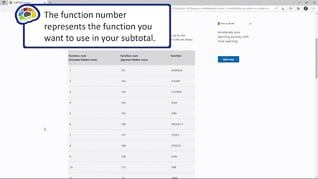
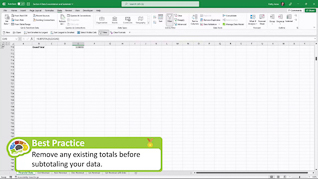
At some point, advanced level Excel 365 users recognize the value of being able to consolidate data from multiple sources. This course demonstrates the functions and features of data consolidation and subtotals that enable them to do so. With best practice and key point pop-up screens, this course’s format shows Excel users when and how to access and apply each feature and function and then summarizes the steps and clarifies their value. Upon completing the three topics in this course learners will confidently be able to summarize data from separate ranges and consolidate the results into a single location. Present this course so users become proficient with Excel 365 data consolidation and subtotals.
Purchase Course: Great for individuals or small teams and is completed on a per-seat basis at checkout.
Bulk Discounts: Great for large teams and routes you to our sales team to set up access for your organization.
Please Note: Completing an online course may not fulfill all compliance requirements. Many OSHA and HR regulations also require written programs, hands-on training, or site-specific components. Always verify requirements with your employer or regulatory authority.
Chapters
- 1. Subtotal Function
- 2. Subtotal Feature
- 3. Data Consolidation