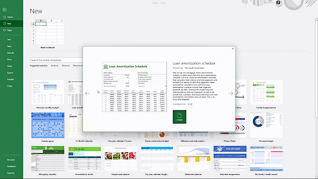
Microsoft Excel 365 has features and tools many users routinely rely upon to collect and share data. This training course takes Excel 365 users to the next level and teaches advanced editing features that provide a wider range of useful options. Viewers follow along as an experienced Microsoft trainer shows learners how to work with file types, create and use templates, and customize the QAT – quick access toolbar. This course illustrates how to navigate Excel 365 and take advantage of the advanced editing features. Excel 365 has pre-designed templates that can be used to create personalized calendars, budgets, invoices and other practical tools. Take this training course to learn about the advanced editing features in Microsoft Excel 365.
Purchase Course: Great for individuals or small teams and is completed on a per-seat basis at checkout.
Bulk Discounts: Great for large teams and routes you to our sales team to set up access for your organization.
Please Note: Completing an online course may not fulfill all compliance requirements. Many OSHA and HR regulations also require written programs, hands-on training, or site-specific components. Always verify requirements with your employer or regulatory authority.
Chapters
- 1. Introduction
- 2. File Types
- 3. Templates
- 4. Customizing The QAT