
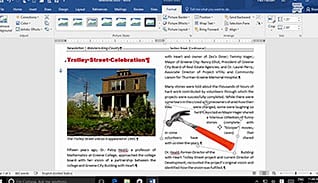
Microsoft Word 2016 Level 3.1: Manipulating Images
Microsoft Word 2016 makes it easy to add informative, visually appealing images to documents. This training course discusses...
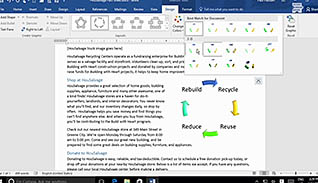
Microsoft Word 2016 Level 3.2: Using Custom Graphic Elements
Graphic elements (text boxes, word art, drop quotes, and SmartArt) are used to enhance documents and make them...
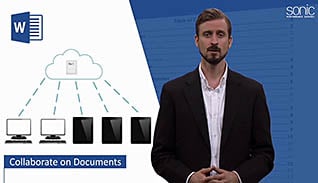
Microsoft Word 2016 Level 3.3: Collaborating on Documents
Document collaboration used to involve putting a file onto a disk and sharing it with other team members,...
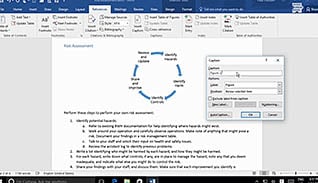
Microsoft Word 2016 Level 3.4: Adding Document References and Links
Word 2016 provides many useful tools and features to help you manage complex documents. This course demonstrates how...
Microsoft Word 2016 Level 3.5: Securing a Document
Microsoft Office Word 2016 saves key information as part of a document’s metadata, such as author and company...
Microsoft Word 2016 Level 3.6: Using Forms to Manage Content
Almost every business uses forms to collect standard information, which can be printed or electronic documents. Regardless of...

Microsoft Word 2016 Level 3.7: Automating Repetitive Tasks with Macros
Learn how to save time and increase your Microsoft Word 2016 productivity by automating repetitive tasks using macros....

Mindfulness
We all know people (or these people are ourselves) who jump from one thought to another, dwell on...

Mindfulness In 1 Minute
This one-minute video explains some simple tips to practice mindfulness....
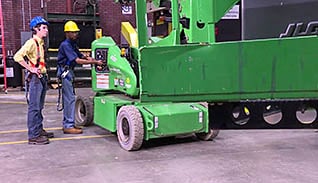
Mobile Elevating Work Platforms: Safe Use And Requirements
The American National Standards Institute (ANSI) has recently developed new standards regarding the design, safe use and operation,...

Moments Of Truth In 1 Minute
Every contact with a customer is a moment of truth and when something doesn’t go well, you define...
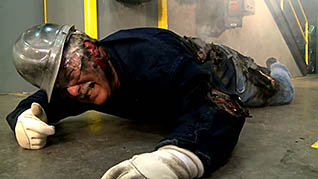
More High-Impact Lockout/Tagout
Lockout/tagout is a set of procedures used to disconnect and isolate sources of power to machines, pieces of...