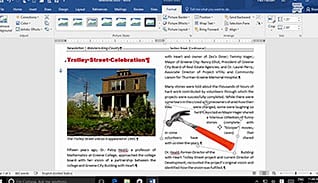
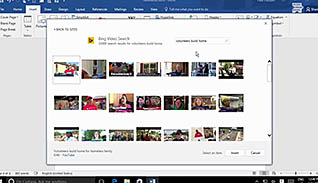
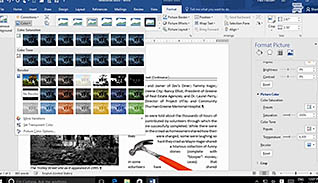
Microsoft Word 2016 makes it easy to add informative, visually appealing images to documents. This training course discusses how to tailor images to any document, whether it is for print or online use. This course shows you how to quickly integrate pictures and text by adjusting image size, shape, placement, layout, and rotation. When working with jpg images, the background can be removed with just a couple mouse clicks. Learners see how to adjust an image’s appearance by changing the brightness and sharpness of an image. This course also shows how to make documents more adaptive to online use by discussing file compression and adding media elements, such as videos. Learn how images can be quickly customized to create professional, eye-catching documents with this course.
Purchase Course: Great for individuals or small teams and is completed on a per-seat basis at checkout.
Bulk Discounts: Great for large teams and routes you to our sales team to set up access for your organization.
Please Note: Completing an online course may not fulfill all compliance requirements. Many OSHA and HR regulations also require written programs, hands-on training, or site-specific components. Always verify requirements with your employer or regulatory authority.
Chapters
- 1. Introduction
- 2. Integrate Pictures And Text
- 3. Adjust Image Appearance
- 4. Compress Pictures
- 5. Insert Other Media Elements