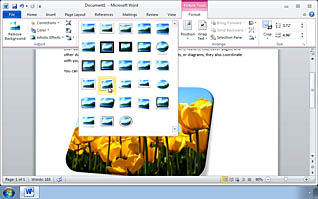
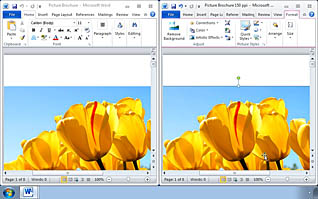
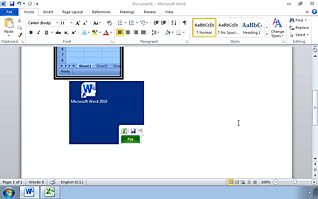
Microsoft Word 2010 users learn powerful new tools to allow them to modify and precisely control how pictures are displayed in their documents. This Video on Demand covers the basics, such as maintaining proportion while resizing photos, and provides step-by-step instruction on more sophisticated image manipulation tools, including removing backgrounds from pictures and screen shots. Correcting and modifying sharpness, contrast and brightness is detailed, and the video provides an overview of the many artistic effects you can achieve with just a mouse click. New Word 2010 users and those who have experience in legacy versions will find many time-saving tips in this video, and will learn how to produce striking documents through the use of pictures and screen shots.
Purchase Course: Great for individuals or small teams and is completed on a per-seat basis at checkout.
Bulk Licensing: Great for large teams and routes you to our sales team to set up access for your organization.
Chapters
- 1. Modifying Pictures
- 2. Formatting an Object
- 3. Compressing Images
- 4. Inserting and Formatting Screenshots