Course ID: soniwiqp_vod
Microsoft Word 2010: Inserting Content Using Quick Parts
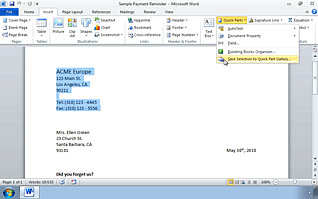
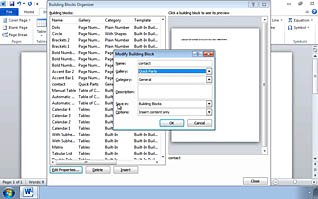
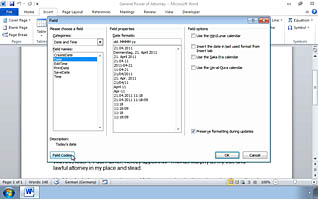
This online video training educates viewers about how to use Quick Parts. Quick Parts (known as Auto Text before Word 2007) are building blocks used to create documents. This video demonstrates how to create, save, insert, edit, and delete Quick Parts. Viewers learn what fields are and how to enter fields into documents. Microsoft Word 2010 is a powerful office tool; use this video to learn about Quick Parts and become more effective and efficient.
Purchase Course: Great for individuals or small teams and is completed on a per-seat basis at checkout.
Bulk Licensing: Great for large teams and routes you to our sales team to set up access for your organization.
Chapters
- 1. Inserting Content Using Quick Parts - Overview
- 2. Create and Insert Quick Parts
- 3. Editing and Deleting Quick Parts
- 4. Inserting Fields Using Quick Parts