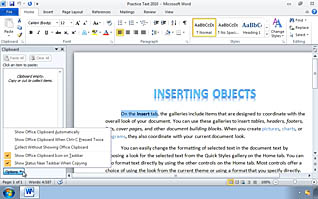
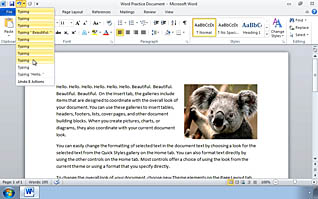
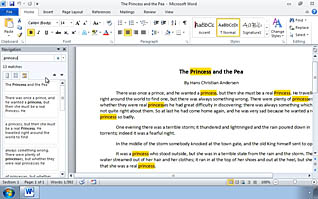
This video training provides examples to help the viewer arrange text in a more visually appealing style and format. With video demonstrations, this training shows the viewer how to adjust their clipboard task pane, use copy and paste options, as well as undoing and redoing text, and searching for specific text elements. Staying true to the high expectations business professionals have, this training gives detailed information on how to edit your text, while keeping it professional and business-appropriate. This video is a must for anyone working closely with Microsoft Word 2010.
Purchase Course: Great for individuals or small teams and is completed on a per-seat basis at checkout.
Bulk Licensing: Great for large teams and routes you to our sales team to set up access for your organization.
Chapters
- 1. Editing Text in a Word Document
- 2. The Clipboard Task Pane
- 3. Paste Options
- 4. Undo and Redo
- 5. Copying and Moving Text
- 6. Searching for a Text Element
- 7. Replacing a Text Element