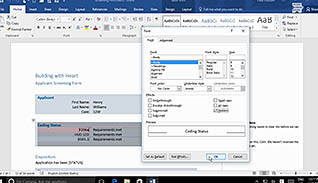
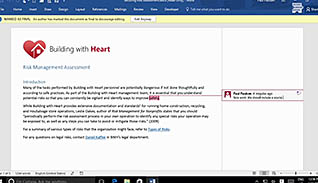
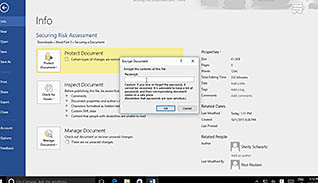
Microsoft Office Word 2016 saves key information as part of a document’s metadata, such as author and company name. However, you may want to restrict access or remove confidential information from a document before sharing it with others. This course is for anyone who wishes to learn best practices for safeguarding and protecting sensitive information in a Word 2016 document. The course demonstrates suppressing sensitive information, setting formatting and editing restrictions, restricting document access, and added a digital signature to the document. These features help protect sensitive information when sharing among colleagues. Use this course to learn how to create secure documents in Microsoft Word 2016.
Purchase Course: Great for individuals or small teams and is completed on a per-seat basis at checkout.
Bulk Licensing: Great for large teams and routes you to our sales team to set up access for your organization.
Chapters
- 1. Secure A Document
- 2. Suppress Sensitive Information
- 3. Set Formatting And Editing Restrictions
- 4. Restrict Document Access
- 5. Add A Digital Signature To A Document