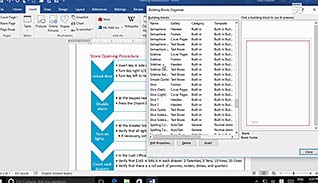
This training shows Word 2016 users how to automate work and save time with Quick Parts. With this training a user learns how to use Quick Parts to insert content into a Word document, and even how to correct work automatically in the future. Learning to use building blocks helps you create content, such as a table of contents, with a click of a box. This information can be reused again to make things easier when content needs to be repeated. The Word document is brought up on video, and a narrator explains each step while those watching it can follow along. The techniques demonstrated in this course help save time and increase efficiency for Word 2016 users.
Purchase Course: Great for individuals or small teams and is completed on a per-seat basis at checkout.
Bulk Discounts: Great for large teams and routes you to our sales team to set up access for your organization.
Please Note: Completing an online course may not fulfill all compliance requirements. Many OSHA and HR regulations also require written programs, hands-on training, or site-specific components. Always verify requirements with your employer or regulatory authority.
Chapters
- 1. Automate Adding Text With Building Blocks
- 2. Insert Building Blocks
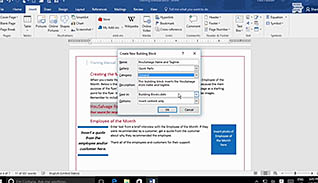
- 3. Create And Modify Building Blocks
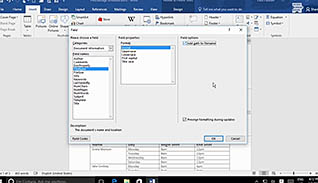
- 4. Insert Fields Using Quick Parts