Word 2016 provides many useful tools and features to help you manage complex documents. This course demonstrates how to utilize captions, cross-references, bookmarks, hyperlinks, and more to help you deal with long documents containing tables, figures, footnotes, endnotes and other data. When you create a Word document, you want to be able to ensure your message is conveyed effectively. When you create a Word document, you want to be able to ensure your message is conveyed effectively. If there are insufficient or inadequate markers providing additional information, or no sense of where further explanation can be found, your message can be lost. Therefore, knowing how to incorporate document references and links is important. Utilize the information presented here and navigate your way through these key features of Microsoft Word 2016.
Purchase Course: Great for individuals or small teams and is completed on a per-seat basis at checkout.
Bulk Licensing: Great for large teams and routes you to our sales team to set up access for your organization.
Chapters
- 1. Introduction
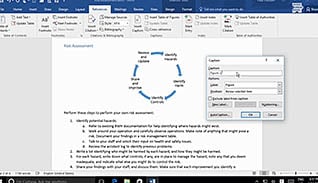
- 2. Add Captions
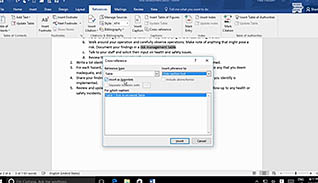
- 3. Add Cross-References
- 4. Add Bookmarks
- 5. Add Hyperlinks
- 6. Insert Footnotes And Endnotes
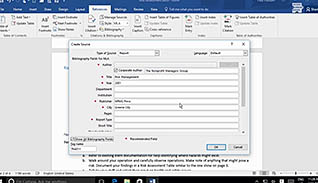
- 7. Add Citations
- 8. Add A Bibliography