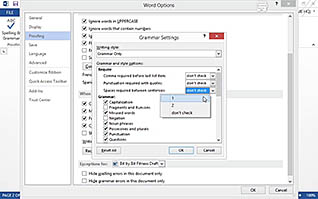
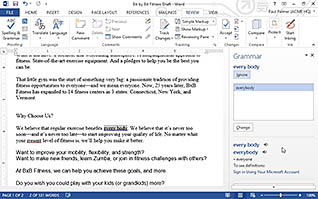
This course walks users through the tools available in Word 2013 for proofreading a document. The video illustrates how to check for spelling and grammatical errors, where to access additional proofing functions like Autocorrect, how to translate words into dozens of languages, and how to make documents accessible to people with disabilities. Use this training to help ensure your documents are error-free and grammatically correct. Using Word’s proofreading tools helps you create the professional documents you need to excel.
Purchase Course: Great for individuals or small teams and is completed on a per-seat basis at checkout.
Bulk Discounts: Great for large teams and routes you to our sales team to set up access for your organization.
Please Note: Completing an online course may not fulfill all compliance requirements. Many OSHA and HR regulations also require written programs, hands-on training, or site-specific components. Always verify requirements with your employer or regulatory authority.
Chapters
- 1. Check Spelling and Grammar
- 2. Work with Other Proofing Tools
- 3. Check Accessibility