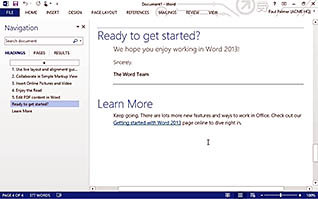
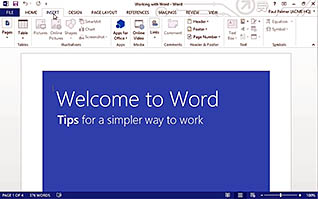
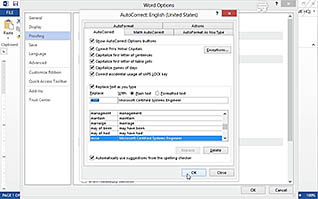
This video is designed for first-time users of the word processing program, Microsoft Word 2013. However, even if you are familiar with other Microsoft Word editions, this program can help show you the new interface and some features of the 2013 version. Topics in this course include how to display a document, accessing the ribbon (menu) features, creating a Word document, working with autocorrect, printing a document, saving a document, and using Microsoft Word Help. This course is an excellent resource to learn the basics of Microsoft Word 2013.
Purchase Course: Great for individuals or small teams and is completed on a per-seat basis at checkout.
Bulk Discounts: Great for large teams and routes you to our sales team to set up access for your organization.
Please Note: Completing an online course may not fulfill all compliance requirements. Many OSHA and HR regulations also require written programs, hands-on training, or site-specific components. Always verify requirements with your employer or regulatory authority.
Chapters
- 1. Display A Document
- 2. Access The Ribbon Features
- 3. Create A Word Document
- 4. Work With Autocorrect
- 5. Print A Document
- 6. Save A Document
- 7. Use Microsoft Word Help