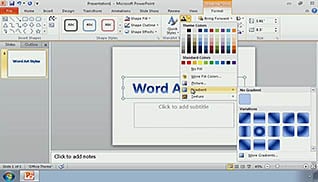
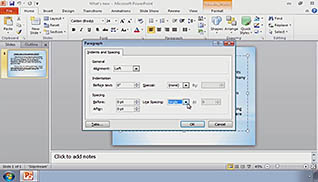
This training teaches users how to format the text on each slide of a PowerPoint presentation. It shows step-by-step ways to change the styles of Word Art and colors, font, design, and formatting to a presentation. The training is divided into eight sections. These sections include; Formatting Text, WordArt styles, The Format Painter, The Replace Fonts Option, Bullets and Numbering, Text Alignment Options, Spacing Options and Rulers, and Typography Effects. At the end of the training, the user will be able to format text on slides, as well as change colors, save them, add bullets and numbering in different ways, as well as many other content in PowerPoint presentations.
Purchase Course: Great for individuals or small teams and is completed on a per-seat basis at checkout.
Bulk Licensing: Great for large teams and routes you to our sales team to set up access for your organization.
Chapters
- 1. Formatting Text
- 2. WordArt Styles
- 3. The Format Painter
- 4. The Replace Fonts Option
- 5. Bullets and Numbering
- 6. Text Alignment Options
- 7. Spacing Options and Rulers
- 8. Typography Effects