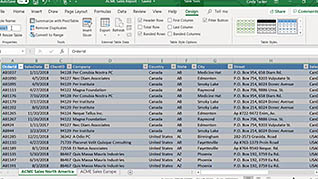
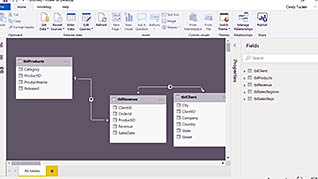
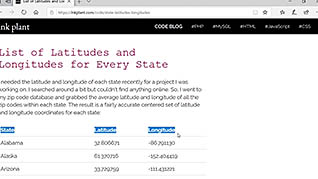
One unique feature of Power BI is the ability to create reports from multiple data sources. This training focuses on this function of Power BI, which allows the user to take convoluted data sets and clean them up, turn them into data models, and create charts or graphs to provide visuals for the data. The online course takes the trainee through a pre-recorded screen share to illustrate how to work with data from a number of sources, including Excel, websites, PDF files, CSV files, and Access databases. Power BI allows users to pull data from various commonly used file types. Use this course to help your Power BI users become more proficient at pulling in data to their Power BI reports.
Purchase Course: Great for individuals or small teams and is completed on a per-seat basis at checkout.
Bulk Licensing: Great for large teams and routes you to our sales team to set up access for your organization.
Chapters
- 1. Using Data From Excel Tables
- 2. Using Data From Normalized Excel Spreadsheets
- 3. How To Update Data
- 4. Import Data From Websites
- 5. Import Data From A PDF File
- 6. Import Data From A CSV File
- 7. Import Data From Access Databases