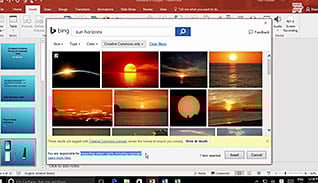
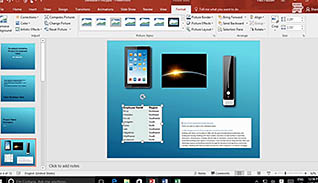
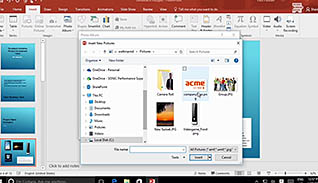
This online video training course explains how to add graphical content to Microsoft PowerPoint 2016 presentations. Images enhance a presentation by bringing life to your slides. This course walks users through the step-by-step directions for adding graphical images, such as images and shapes. PowerPoint 2016 is a powerful tool for creating presentations. Use this video to educate employees how to manage the graphical content in their PowerPoint presentations.
Purchase Course: Great for individuals or small teams and is completed on a per-seat basis at checkout.
Bulk Discounts: Great for large teams and routes you to our sales team to set up access for your organization.
Please Note: Completing an online course may not fulfill all compliance requirements. Many OSHA and HR regulations also require written programs, hands-on training, or site-specific components. Always verify requirements with your employer or regulatory authority.
Chapters
- 1. Introduction
- 2. Insert Images
- 3. Insert Shapes