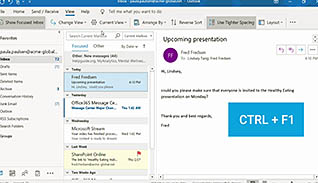
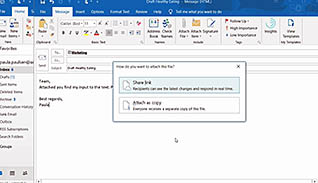
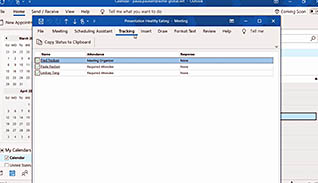
Microsoft 365 is constantly being updated and the latest updates include features from Office 2019. This course highlights some of the important new features in Outlook and gives you a step-by-step demonstration to use each one. This course covers new Outlook features such as how to personalize the ribbon, use the Focused Inbox, use enhanced Sort and Filter options, use @mentions, work with files stored in the cloud, and how to draw in Outlook. The course continues to cover tips for managing meetings, such as how to build in time between back-to-back meetings, check meeting status, and prevent meeting forwarding. Finally, the course covers how to ensure accessibility with your e-mail messages. Present this course to help your Office 365 users get the most out of this robust software.
Purchase Course: Great for individuals or small teams and is completed on a per-seat basis at checkout.
Bulk Discounts: Great for large teams and routes you to our sales team to set up access for your organization.
Please Note: Completing an online course may not fulfill all compliance requirements. Many OSHA and HR regulations also require written programs, hands-on training, or site-specific components. Always verify requirements with your employer or regulatory authority.
Chapters
- 1. Updated User Interface
- 2. Personalize The Ribbon
- 3. Take Advantage Of The Focused Inbox
- 4. Always Send E-Mails To The Right Person
- 5. Enhanced Sort And Filter Options
- 6. Use @Mentions To Get Someoneâs Attention
- 7. Work With Files Stored In The Cloud
- 8. How To Draw In Outlook
- 9. Build In Time Between Back-To-Back Meetings
- 10. Check The Meeting Status
- 11. Prevent Forwarding Of A Meeting
- 12. Never Miss An Appointment Again
- 13. Pay Attention To The BCC Warning
- 14. Mark Messages As "Read" When Deleted
- 15. Ensure Accessibility In Outlook