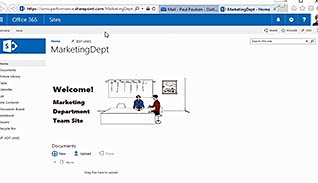
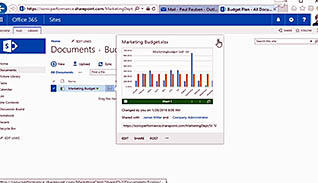
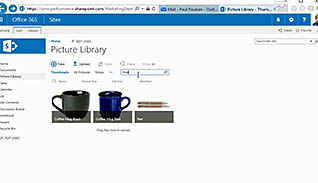
The SharePoint Sites feature of Office 365 allows you to easily create sites to share documents and information. This video training course demonstrates how to get the most of the features and functions available through Office 365’s SharePoint Sites. This training shows examples of how to use the web applications, like Word, within the SharePoint Sites. Other topics include setting and managing alerts, versioning, sharing a site, picture libraries, lists, the calendar, tasks and discussion boards. Use this video to show employees how to use Microsoft Office 365’s SharePoint Sites.
Purchase Course: Great for individuals or small teams and is completed on a per-seat basis at checkout.
Bulk Licensing: Great for large teams and routes you to our sales team to set up access for your organization.
Chapters
- 1. Introduction
- 2. First Steps
- 3. Document Library
- 4. Set And Manage Alerts
- 5. Understanding Versioning
- 6. Sync
- 7. Share A Site
- 8. Picture Library
- 9. Lists
- 10. Calendar
- 11. Tasks
- 12. Discussion Board