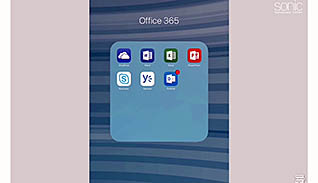
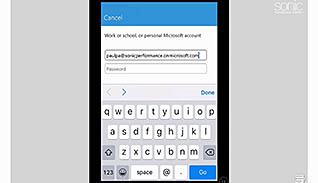
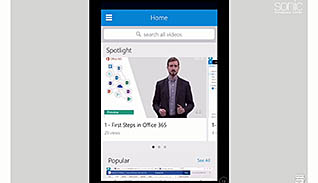
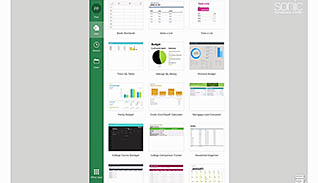
This video training course is for all employees to learn about Microsoft Office 365 on a mobile device. This video demonstrates to viewers how to follow and navigate Microsoft Office 365 applications. Examples are shown, using an iPad, of the proper way to access the different Microsoft Office 365 programs on a mobile device. The course covers using OneDrive, Word, Outlook, Excel, Skype for Business, Video, and PowerPoint on a mobile device. Use this video to educate employees about how to use Microsoft Office 365 on a mobile device. Educated employees are better able to access their files no matter where they are.
Purchase Course: Great for individuals or small teams and is completed on a per-seat basis at checkout.
Bulk Licensing: Great for large teams and routes you to our sales team to set up access for your organization.
Chapters
- 1. First Steps
- 2. OneDrive
- 3. Word
- 4. Outlook
- 5. Excel
- 6. Skype For Business
- 7. Video
- 8. PowerPoint