Course ID: sonimo16wo_vod
What’s New in Microsoft Office 2016: Working With Word 2016
Microsoft Office Word 2016 has some surprising new features that make it easier for professionals to keep up with business demands, as well as create and edit high-quality documents. It has a new focus on mobility and convenience. This course demonstrates how to edit PDF documents with reflow, work with tables, embed videos, and other ways to manipulate and edit a document. Use this course among your employees to foster a greater understanding of the plethora of features available to Word 2016 users.
Purchase Course: Great for individuals or small teams and is completed on a per-seat basis at checkout.
Bulk Licensing: Great for large teams and routes you to our sales team to set up access for your organization.
Chapters
- 1. Introduction
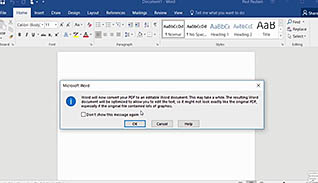
- 2. Edit A PDF
- 3. Work With Tables
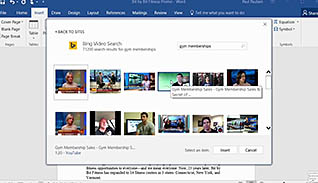
- 4. Embed Videos
- 5. Edit Documents
- 6. Edit Documents - Reposition A Video
- 7. Edit Documents - Working With Comments
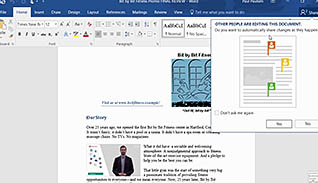
- 8. Edit Documents - Co-Edit A Document
- 9. Edit Documents - Simple Markup
- 10. Read Documents