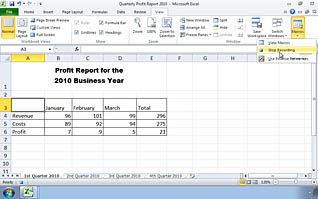
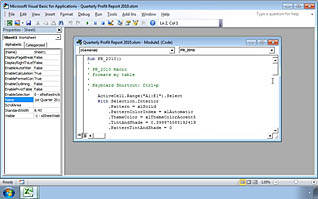
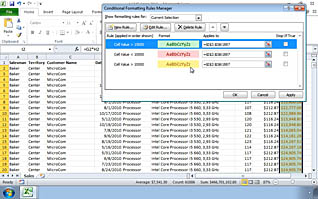
This online video training course teaches viewers how to streamline and simplify working with Microsoft Excel 2010. Viewers learn the tips and tricks to managing the functions of Excel. This video explains how to deal with repetitive and time consuming tasks. Viewers are shown ways to update workbook properties and how to use the property features. This course explores color ranges, data bars, and other ways to visually show data on a spreadsheet. Use this training to educate employees on how to use the power of Excel to streamline work flow.
Purchase Course: Great for individuals or small teams and is completed on a per-seat basis at checkout.
Bulk Licensing: Great for large teams and routes you to our sales team to set up access for your organization.
Chapters
- 1. Streamlining Workflow - Overview
- 2. Updating Workbook Properties
- 3. Creating a Macro
- 4. Editing a Macro
- 5. Conditional Formatting
- 6. Data Validation Criteria