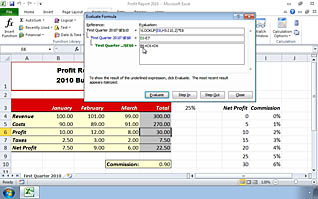
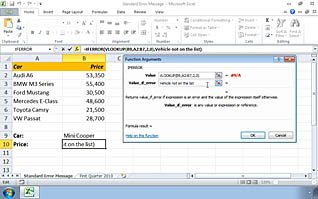
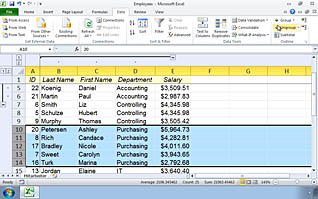
Errors in Excel data can lead to confusion and even potentially financial loss. It is important to validate formulas, numbers and results generated by your spreadsheets. Excel 2010 features a set of built-in tools to audit your work. These tools assist you to audit formulas and ensure you performed the proper calculations, help you troubleshoot invalid data, and create a data list outline. Video demonstrations, expert narration and a competency quiz build a strong foundation for your participants to implement their skills. Mistakes happen, but auditing your data prevents mistakes from becoming costly.
Purchase Course: Great for individuals or small teams and is completed on a per-seat basis at checkout.
Bulk Licensing: Great for large teams and routes you to our sales team to set up access for your organization.
Chapters
- 1. Auditing Worksheets
- 2. Formula Auditing
- 3. Troubleshooting Invalid Data and Formulas
- 4. Creating a Data List Outline