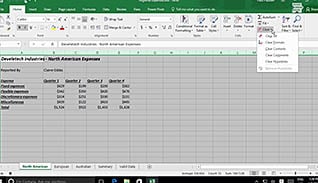
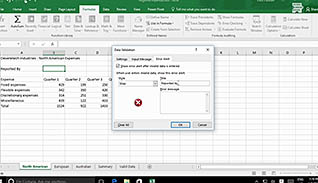
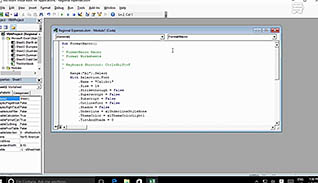
Features in Excel 2016 allow you to validate your data, check for errors in formulas, and apply a series of instructions with a single command to all worksheets in your workbook. This video training course provides step-by-step instructions for employees to automate workbook functionality in Microsoft Excel 2016. This video teaches viewers how to use data validation tools to protect the quality of data in the workbook. Viewers learn how to create, run, and edit macros. Use this video to educate employees about implementing more automation into their Excel 2016 workbooks to ensure greater levels of accuracy.
Purchase Course: Great for individuals or small teams and is completed on a per-seat basis at checkout.
Bulk Discounts: Great for large teams and routes you to our sales team to set up access for your organization.
Please Note: Completing an online course may not fulfill all compliance requirements. Many OSHA and HR regulations also require written programs, hands-on training, or site-specific components. Always verify requirements with your employer or regulatory authority.
Chapters
- 1. Apply Data Validation
- 2. Search for Invalid Data and Formulas with Errors
- 3. Work with Macros
- 4. Edit a Macro