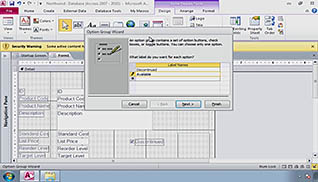
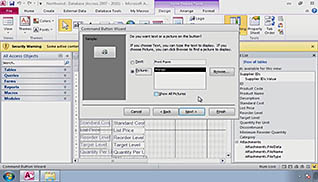
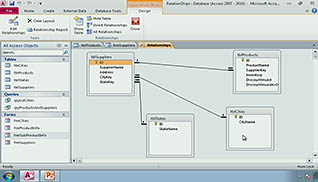
Using Microsoft Access can be challenging; learning how to navigate through forms is a start, but there may be a time when a form needs to be adjusted or updated. In this training, viewers learn all the ways to improve forms in Microsoft Access 2010. The training is divided into major sections; Improving Forms, Restricting Data in Forms, Organizing Information with Tab Pages, Adding a Command Button, Creating a Sub Form, Displaying a Summary of Data, and Changing the Display of Data Conditionally. The steps are explained using video demonstrations, showing how to add and format within forms on Microsoft Access.
Purchase Course: Great for individuals or small teams and is completed on a per-seat basis at checkout.
Bulk Licensing: Great for large teams and routes you to our sales team to set up access for your organization.
Chapters
- 1. Improving Forms
- 2. Restricting Data Entry in Forms
- 3. Organizing Information with Tab Pages
- 4. Adding a Command Button
- 5. Creating a Subform
- 6. Displaying a Summary of Data
- 7. Changing the Display of Data Conditionally