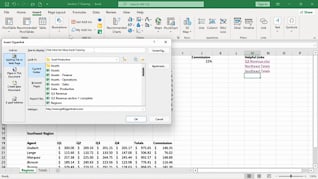
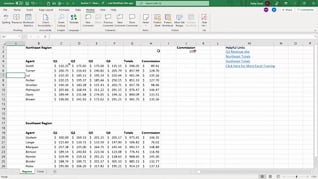
As Intermediate Part 2 of the Mastering Excel 365 series, this course opens with an overview of Freeze and Split Windows. Maintaining its conversational teacher-learner format, this course provides occasional pop-up screens that summarize what is being demonstrated and includes best practice tips. Upon completing the three topics in this course – Freeze And Split Windows; Workbook Views; Custom Views – users will confidently begin to use these Workbook Views features that they likely didn’t understand or know how to access. Use this course to help users heighten their Excel 365 skills by becoming more comfortable with Excel 365 Workbook Views.
Purchase Course: Great for individuals or small teams and is completed on a per-seat basis at checkout.
Bulk Discounts: Great for large teams and routes you to our sales team to set up access for your organization.
Please Note: Completing an online course may not fulfill all compliance requirements. Many OSHA and HR regulations also require written programs, hands-on training, or site-specific components. Always verify requirements with your employer or regulatory authority.
Chapters
- 1. Freeze And Split Windows
- 2. Workbook Views
- 3. Custom Views