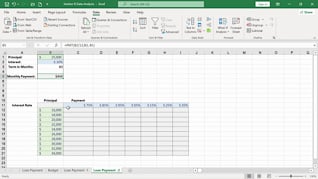
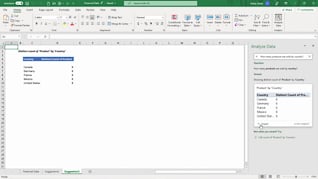
Excel remains one of the world’s most widely used business applications, with more than one billion users relying on it to organize, analyze, and report data (Microsoft). This course teaches users about the intermediate editing tools that save time and improve accuracy. The course demonstrates how to use Flash Fill, Text to Columns, Find and Replace, Sort and Filter, proofing and research tools, Group mode, and workbook properties. You will learn how to clean data faster, streamline repetitive tasks, and manage workbooks more effectively. The result of this training is simple: less manual work, fewer errors, and greater productivity.
Purchase Course: Great for individuals or small teams and is completed on a per-seat basis at checkout.
Bulk Discounts: Great for large teams and routes you to our sales team to set up access for your organization.
Please Note: Completing an online course may not fulfill all compliance requirements. Many OSHA and HR regulations also require written programs, hands-on training, or site-specific components. Always verify requirements with your employer or regulatory authority.
Chapters
- 1. Introduction
- 2. Flash Fill
- 3. Text To Columns
- 4. Find And Replace
- 5. Sort And Filter
- 6. Proofing And Researching Tools
- 7. Group Mode
- 8. Workbook Properties