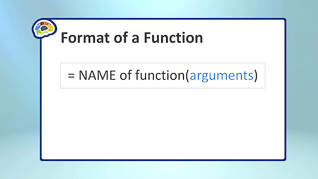
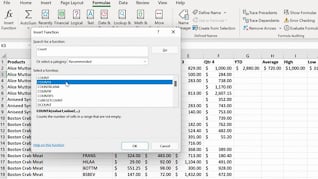
This online training introduces Office 365 users to formulas and functions in Microsoft Excel. Users taking this course learn how to perform calculations, automate common tasks, and improve spreadsheet accuracy using Excel’s built-in tools. Throughout the course, learners will see how to create basic formulas to calculate values and work with spreadsheet data more efficiently. The training also explains how to insert and use common Excel functions like Sum, Average, Count Numbers, Max, and Min. In addition, employees learn how to copy formulas and functions to quickly apply calculations across multiple cells and worksheets while maintaining consistency and accuracy. By the end of the course, learners will have a better understanding of Excel’s formula and function capabilities and how to use them to create accurate, efficient, and professional spreadsheets.
Purchase Course: Great for individuals or small teams and is completed on a per-seat basis at checkout.
Bulk Discounts: Great for large teams and routes you to our sales team to set up access for your organization.
Please Note: Completing an online course may not fulfill all compliance requirements. Many OSHA and HR regulations also require written programs, hands-on training, or site-specific components. Always verify requirements with your employer or regulatory authority.
Chapters
- 1. Creating Formulas
- 2. Inserting Functions
- 3. Copying Formulas And Functions