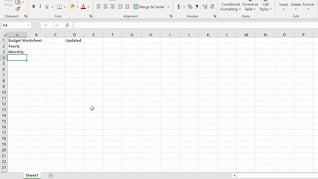
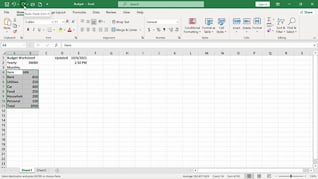
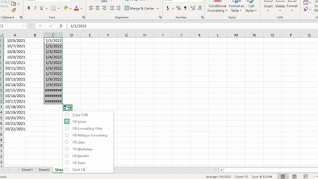
This course opens by teaching users the three ways to create a new workbook by demonstrating how to create and build a basic budget worksheet. From showing Excel keyboard shortcuts and how to enter and place data in cells to using Autofill and how to get help, learners are shown the screen-by-screen experience they will have as they learn the time saving data entry productivity features of this foundational spreadsheet application. Use this course to help employees become comfortable, proficient, and more productive with Excel 365.
Purchase Course: Great for individuals or small teams and is completed on a per-seat basis at checkout.
Bulk Discounts: Great for large teams and routes you to our sales team to set up access for your organization.
Please Note: Completing an online course may not fulfill all compliance requirements. Many OSHA and HR regulations also require written programs, hands-on training, or site-specific components. Always verify requirements with your employer or regulatory authority.
Chapters
- 1. Creating A New Workbook
- 2. Entering Cell Data
- 3. Using Autofill
- 4. Getting Help