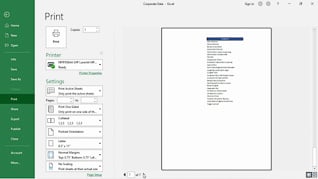
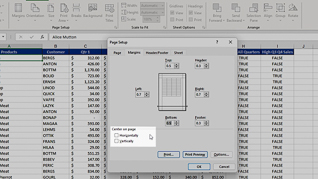
Getting spreadsheets to print in a way that is organized and has all the data you want can be frustrating. This course focuses on the basics for printing in Microsoft Excel 365. In this course, viewers follow along with an instructor as she shows an Excel 365 user how to navigate the print features. This includes learning how to set the page layout and change page breaks and scaling. Viewers also learn how to add and configure headers and footers. For example, learn how to add page numbers and determine where to place them on the page. Whether a beginner or a long-time Excel 365 user who would like a refresher, this course provides all viewers with practical steps to take advantage of its many features.
Purchase Course: Great for individuals or small teams and is completed on a per-seat basis at checkout.
Bulk Discounts: Great for large teams and routes you to our sales team to set up access for your organization.
Please Note: Completing an online course may not fulfill all compliance requirements. Many OSHA and HR regulations also require written programs, hands-on training, or site-specific components. Always verify requirements with your employer or regulatory authority.
Chapters
- 1. Setting Page Layout Options
- 2. Changing Page Breaks And Scaling
- 3. Configuring Headers And Footers