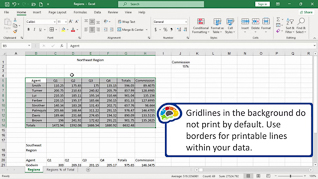
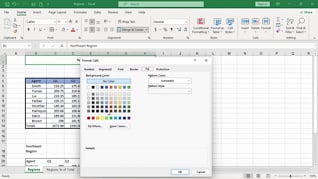
Excel remains one of the most widely used workplace tools, with hundreds of millions of users relying on it for reporting, tracking, and decision making every day. This course focuses on the formatting skills that make spreadsheets easier to read and more effective to use. This course shows learners how to align cell contents, add borders and shading, apply number and data formatting, use Format Painter, and apply cell styles and themes consistently. The focus of this training is practical: make spreadsheets look polished, improve readability, and communicate information more clearly.
Purchase Course: Great for individuals or small teams and is completed on a per-seat basis at checkout.
Bulk Discounts: Great for large teams and routes you to our sales team to set up access for your organization.
Please Note: Completing an online course may not fulfill all compliance requirements. Many OSHA and HR regulations also require written programs, hands-on training, or site-specific components. Always verify requirements with your employer or regulatory authority.
Chapters
- 1. Aligning Cell Contents
- 2. Adding Borders And Shading
- 3. Applying Number And Data Formatting
- 4. Using Format Painter
- 5. Applying Cell Styles And Themes