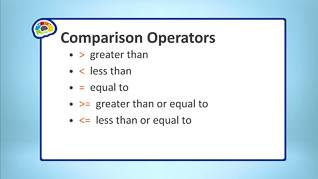
Microsoft Excel 365 is a common tool used for analyzing data. This video training explores Microsoft Excel 365 functions. Viewers learn about working with basic functions in Microsoft Excel 365. This video demonstrates how to manage named ranges absolute references, IF functions, logical functions, functions based on conditions, and tracing formulas. This training discusses how to use keyboard shortcuts with functions, and how to address errors in formulas. Use this video to educate employees about basic Microsoft Excel 365 functions.
Purchase Course: Great for individuals or small teams and is completed on a per-seat basis at checkout.
Bulk Discounts: Great for large teams and routes you to our sales team to set up access for your organization.
Please Note: Completing an online course may not fulfill all compliance requirements. Many OSHA and HR regulations also require written programs, hands-on training, or site-specific components. Always verify requirements with your employer or regulatory authority.
Chapters
- 1. Using Absolute References
- 2. Creating Named Ranges
- 3. Using Named Ranges In Functions
- 4. Working With IF Functions
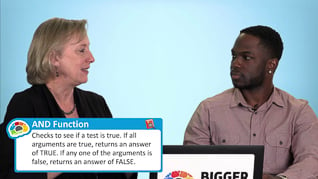
- 5. Working With Logical Functions
- 6. Creating Functions Based On Conditions
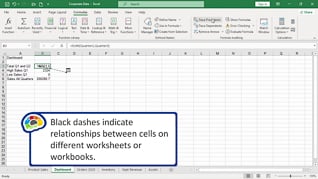
- 7. Tracing Formulas
- 8. Addressing Formula Errors