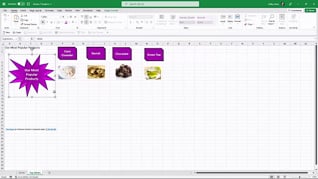
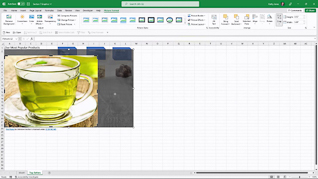
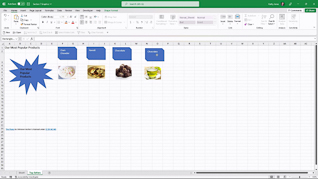
Excel supports a wide range of visual elements, and Microsoft continues to expand tools for creating and customizing charts, graphics, and other visual content (Microsoft). This course takes your Excel graphics skills beyond the basics, covering advanced graphic formatting, detailed customization, and techniques for manipulating graphic objects. You will learn how to control the appearance, placement, and behavior of visual elements so your workbooks look intentional and professional. The focus of this advanced Excel 365 training is practical: greater control, cleaner presentations, and graphics that communicate information effectively.
Purchase Course: Great for individuals or small teams and is completed on a per-seat basis at checkout.
Bulk Discounts: Great for large teams and routes you to our sales team to set up access for your organization.
Please Note: Completing an online course may not fulfill all compliance requirements. Many OSHA and HR regulations also require written programs, hands-on training, or site-specific components. Always verify requirements with your employer or regulatory authority.
Chapters
- 1. Screenshots Symbols 3D Models
- 2. Format Graphics Part 1
- 3. Format Graphics Part 2
- 4. Manipulate Graphic Objects