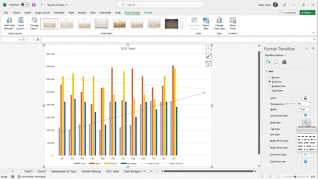
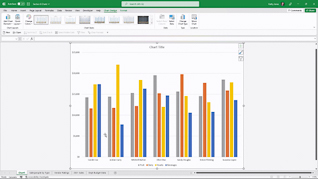
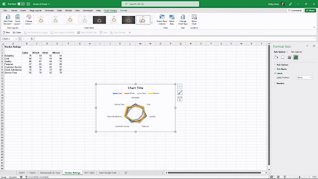
Excel charts are tools used to present data. This training explores working with advanced charts in Microsoft Excel 365. This course explores how to upgrade chart presentations in Excel 365. Viewers learn how to work with combo charts to present complicated information. This training also demonstrates using trend lines for forecasting. Microsoft Excel 365 offers flexible ways to create and manage charts. Use this training to educate employees about improving their charts in Microsoft Excel 365.
Purchase Course: Great for individuals or small teams and is completed on a per-seat basis at checkout.
Bulk Discounts: Great for large teams and routes you to our sales team to set up access for your organization.
Please Note: Completing an online course may not fulfill all compliance requirements. Many OSHA and HR regulations also require written programs, hands-on training, or site-specific components. Always verify requirements with your employer or regulatory authority.
Chapters
- 1. Customize Charts
- 2. Combo Charts
- 3. Trendlines
- 4. Chart Templates