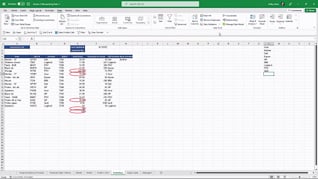
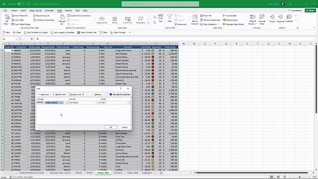
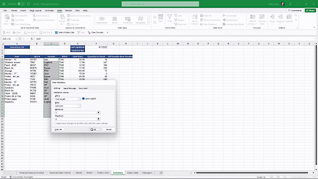
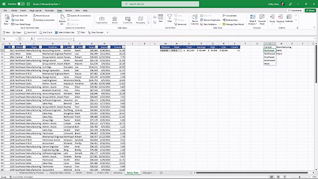
Advanced level Microsoft Excel 365 features and functions are more easily learned and readily applied when the user learns the function in a real-time context. This is especially true when it comes to mastering advanced level data manipulation. Showing multiple examples of each of the six featured data manipulation functions – Advanced Filtering; Advanced Sorting; Data Validation; Data Validation Lists; Data Validation Messages And Invalid Data; Combo Boxes – this course assures learners understand how, when, and why elevating their data manipulation skills elevates the accuracy of their business information. Use this course so Excel users understand and fully utilize Excel 365 Data Manipulation functions.
Purchase Course: Great for individuals or small teams and is completed on a per-seat basis at checkout.
Bulk Discounts: Great for large teams and routes you to our sales team to set up access for your organization.
Please Note: Completing an online course may not fulfill all compliance requirements. Many OSHA and HR regulations also require written programs, hands-on training, or site-specific components. Always verify requirements with your employer or regulatory authority.
Chapters
- 1. Advanced Filtering
- 2. Advanced Sorting
- 3. Data Validation
- 4. Data Validation Lists
- 5. Data Validation Messages And Invalid Data
- 6. Combo Boxes