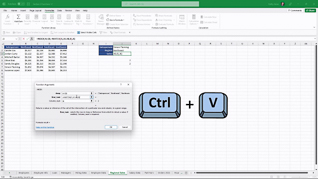
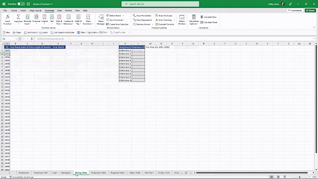
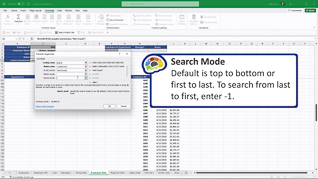
Microsoft Excel 365 has advanced functions that quickly and accurately analyze data. This course is facilitated by an experienced Microsoft trainer who walks learners through the various functions. Using a practice employee info sheet throughout the course, the instructor shows how the various functions operate. She explains how to get the most out of using dynamic arrays with XLOOKUP. By using dynamic array functionality, the XLOOKUP function can arrive at a range of results from a single function. Viewers are shown how to summarize a database on multiple conditions using multiple criteria functions. This course also shows how to use text, date, math, and database functions as well as complicated time formulas. Take this training course to learn how to use the advanced functions of Microsoft Excel 365.
Purchase Course: Great for individuals or small teams and is completed on a per-seat basis at checkout.
Bulk Discounts: Great for large teams and routes you to our sales team to set up access for your organization.
Please Note: Completing an online course may not fulfill all compliance requirements. Many OSHA and HR regulations also require written programs, hands-on training, or site-specific components. Always verify requirements with your employer or regulatory authority.
Chapters
- 1. Dynamic Arrays
- 2. VLOOKUP
- 3. XLOOKUP Part 1
- 4. XLOOKUP Part 2
- 5. MATCH INDEX
- 6. Multiple Criteria Functions
- 7. Text Functions
- 8. Date Functions
- 9. Time Formulas
- 10. Math Functions
- 11. Database Functions