
Using Windows 10: Accessing Windows 10
Whether you have used computers in the past or are brand new to them, this video helps you...

Using Windows 10: Customizing the Windows 10 Environment
Windows 10 is Microsoft’s newest desktop operating system. Many businesses, both small and large, have switched to Windows...
Using Windows 10: Installing and Removing Devices
There are a variety of devices one can connect to their PC, including tablets, smartphones, USB flash drives,...
Using Windows 10: Managing Files and Folders
This video training course is for all employees to learn how to manage files and folders in Windows...
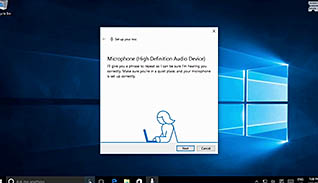
Using Windows 10: Using Cortana and Edge
Cortana is the name of the intelligent personal assistant and navigator for Windows 10 users. This training teaches...
Using Windows 10: Using Security Features
This Video On Demand explains how to use Widows 10 security features including new protocols for passwords, password...
Using Windows 10: Using Windows Universal Apps and Desktop Applications
Microsoft Windows 10 can run desktop applications and universal apps. Although desktop applications are best suited for devices...

Value Led Sales Conversations In 1 Minute
This one-minute video explains four key tips on how to have a value led sales conversation rather than...

Verbal Holding In 1 Minute
Verbal Holding is a service technique to help keep the caller informed while you research an answer. Learn...
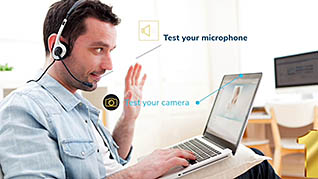
Video Call Etiquette In 1 Minute
This one-minute microlearning course explains five things you can do to ensure you have appropriate and successful video...

Virtual Meetings: The Invisible Meeting
Virtual meetings have advantages, such as convenience and the ability to work globally; but there are challenges too....

Vision Mission And Values In 1 Minute
We often get confused by the terms vision, mission and values. This one-minute video briefly explains the difference...