

Managing Conflict: Small Vs Large Group Conflict
In today’s corporate world, there are no “conflict-free” organizations. The leaders who understand this truth have developed skillsets...

Managing Conflict: The Role of the Facilitator
Leaders often deal with conflicts as they manage projects and navigate relationships. It therefore makes sense for leaders...

Managing Customer Needs
Quality customer service is rooted in managing a customer’s needs. To do that well, as this course shows,...

Managing Difficult Customers
Every customer has their own reason for complaining. As a customer-facing employee your job is to help manage...

Managing Difficult Trainees
One of the biggest mistakes training group leaders make is mistaking difficult behavior for a difficult person. This...

Managing Diversity
In today’s business environment, work teams consist of diverse individuals with an array of talents. So, to effectively...

Managing Former Peers
When moving from peer to supervisor, managing former peers can be a challenge. Through realistic, work-based scenarios, this...

Managing Information Tip 1 In 1 Minute
We all have busy desks and workplaces. This one-minute video provides one time saving technique on how to...

Managing Information Tip 2 In 1 Minute
In this one-minute video we explore how you can manage incoming information more effectively. We discuss the four...

Managing Interruptions In 1 Minute
There are some simple things you can do to help be more effective in your time. In this...

Managing Me
How a manager reacts to a situation has a greater impact on employee morale and productivity than the...
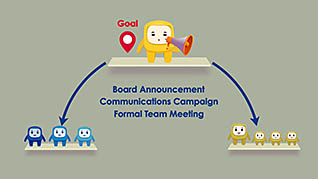
Managing Performance: Developing Cascading Goals
A talented and skilled workforce is the key to an organization’s ability to move faster and do more...